Serverless architecture has revolutionized the deployment speed of modern web applications. Hosting frontend apps on platforms like Vercel or running APIs on AWS Lambda provides seamless scaling. However, serverless environments present a significant challenge: execution timeouts.
Most serverless environments enforce strict runtime limits. Vercel limits standard serverless API execution to 10–60 seconds, while AWS Lambda enforces a hard 15-minute cap. If your code needs to execute long-running processes—such as waiting for LLM completions, generating videos using FFmpeg, running web scrapers, or running background sync tasks—your functions will simply fail mid-execution.
To address this limit, developers are adopting Trigger.dev, an open-source, developer-first background jobs framework for TypeScript. Trigger.dev enables you to build and deploy complex workflows and background queues directly inside your codebase with absolutely zero execution timeouts.
Unlike standard task queues (like BullMQ or Celery) that run continuously and consume substantial server memory, Trigger.dev handles long-running processes through an event-driven durable execution model.
When a workflow runs, Trigger.dev tracks the completion of each sub-step. If a task executes an asynchronous wait or calls an external API, Trigger.dev checkpoint-saves the task state and suspends execution. Once the API responds or the wait timer elapses, Trigger.dev restores the state and resumes execution from that exact step. This mechanism avoids charging you for idle server runtime during external network waits.
Run tasks for hours or even days. Trigger.dev scales automatically behind the scenes, allowing you to orchestrate deep AI iterations, large file conversions, and database migrations without worrying about function limits.
Sometimes tasks shouldn't execute entirely automatically. For operations like processing high-value transactions or sending newsletter emails, you can programmatically pause a workflow using Trigger.dev waitpoints, resuming the run only after a team member approves it via the dashboard.
Sending a burst of API calls can trigger rate limits on external services (like OpenAI or Stripe). Trigger.dev allows you to configure concurrency limits on your queues, keeping outbound traffic steady and avoiding carrier/provider locks.
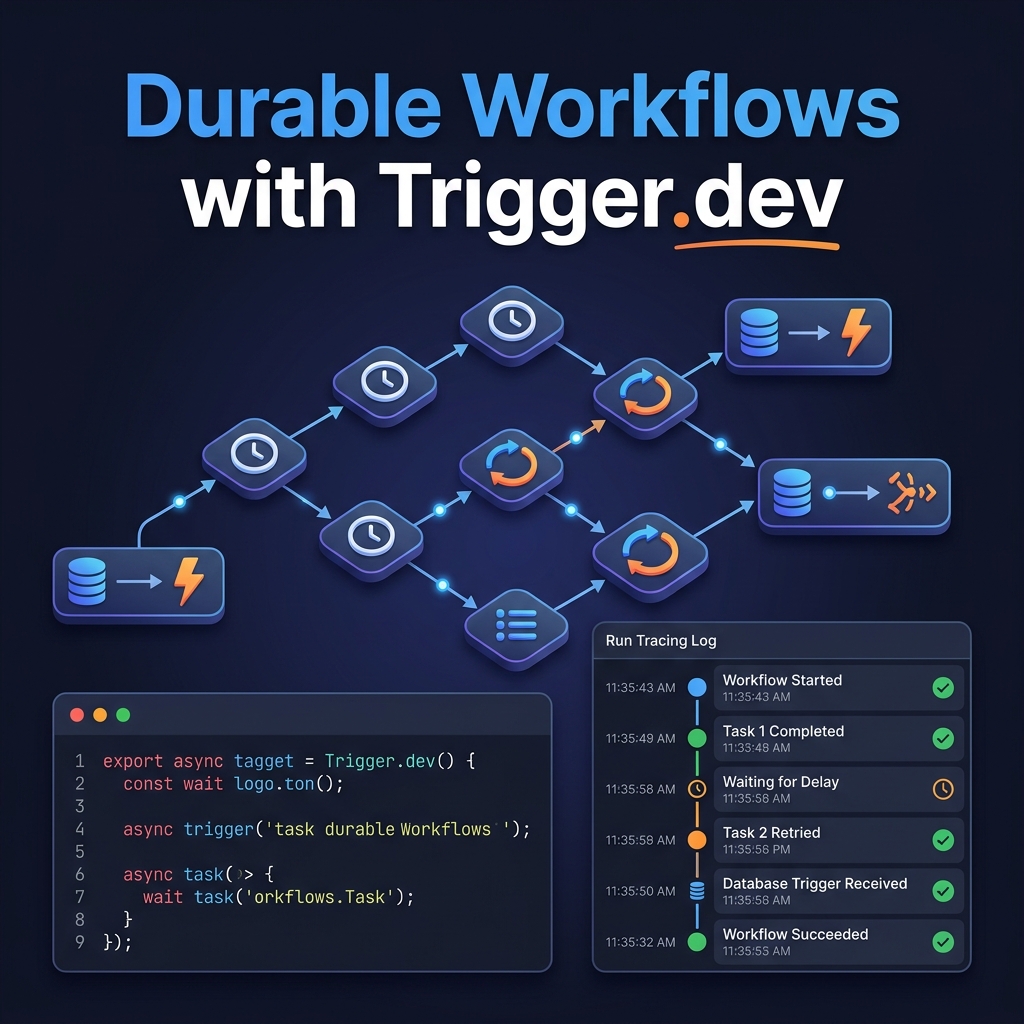
Debugging multi-step background jobs in production is notoriously difficult. Trigger.dev automatically generates visual trace maps for every run, making it easy to identify exactly which task failed, review step payloads, and retry specific steps.
Trigger.dev integrates directly into your existing project. Below is an example of a workflow task written in TypeScript:
import { task, wait } from "@trigger.dev/sdk";

// Define a durable task with retries and metadata
export const processOrderTask = task({
  id: "process-order-pipeline",
  retry: {
    maxAttempts: 3,
    minTimeoutInMs: 1000,
    maxTimeoutInMs: 30000,
    factor: 2
  },
  run: async (payload: { orderId: string; userEmail: string }) => {
    console.log(`Starting execution for Order: ${payload.orderId}`);

    // 1. Process payment via Stripe (mocked step)
    await wait.for({ seconds: 5 });

    // 2. Perform a long-running AI completion task
    const aiReview = await generateAIReview(payload.orderId);

    // 3. Pause workflow for 10 minutes to buffer next steps
    await wait.for({ minutes: 10 });

    console.log(`Pipeline complete for Order: ${payload.orderId}. Review status: ${aiReview}`);
    return { success: true, aiReview };
  }
});

async function generateAIReview(id: string) {
  // Simulate heavy AI processing call
  return "Approved - Low Risk Profile";
}Yes. Through Trigger.dev's build extensions, you can customize your execution environment to include system packages like Python, FFmpeg, or Headless Puppeteer browsers, running scripts natively alongside your TypeScript tasks.
Trigger.dev provides an official self-hosting guide using Docker Compose. You can run the orchestration database, Redis queue brokers, and console dashboard directly on your own VPS or Kubernetes cluster.
Trigger.dev uses atomic versioning. When you deploy a new version of a task, currently running runs continue executing on the old version definition, while new triggers route to the updated code, avoiding runtime crashes.
VitableTech specializes in configuring robust background workers, message brokers, AI agent pipelines, and high-performance serverless configurations.
Connect with our Engineers