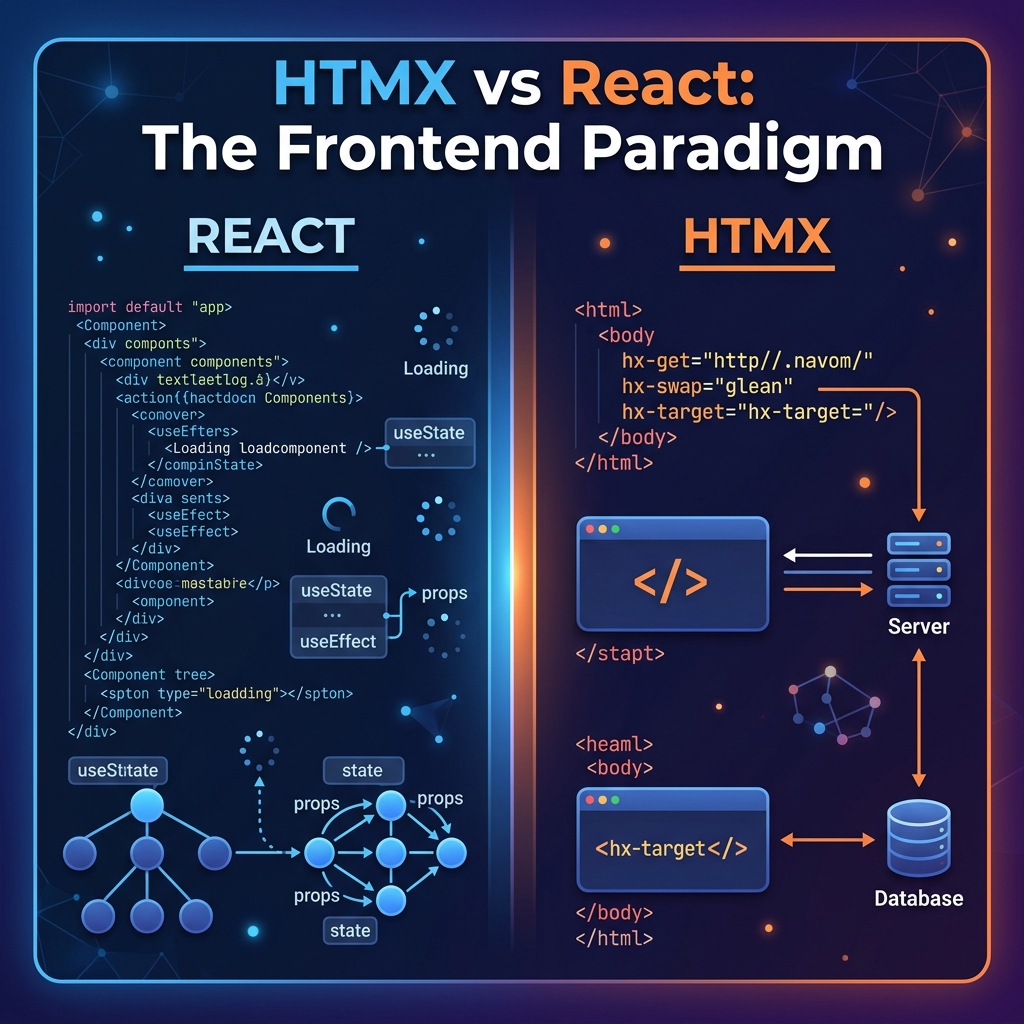
For the past decade, building interactive web applications has meant adopting client-side JavaScript frameworks. React, Vue, Angular, and Next.js became industry defaults. These single-page application (SPA) systems provide smooth UI rendering, but they introduce steep trade-offs: massive bundle sizes, complicated build steps, state synchronization logic, and duplicate API endpoints designed solely to feed JSON to the frontend.
Recently, a counter-revolution has taken hold. Developers are realizing that the complexity of modern SPAs is overkill for many applications. This shift has popularized HTMX—a lightweight framework (~14KB gzipped) that brings dynamic, asynchronous interactivity to plain HTML, without writing custom JavaScript.
HTMX is a dependency-free JavaScript library that extends HTML by allowing you to make AJAX requests, trigger CSS transitions, and connect to WebSockets or Server-Sent Events directly from HTML attributes.
The core philosophy of HTMX is returning to the original architecture of the web: **Hypertext**. Instead of calling a JSON API and utilizing a JavaScript library to render that data into UI elements, HTMX requests HTML fragments directly from the server and swaps them into specified DOM locations.
HTMX uses simple markup declarations to manage network activity. Here are the four primary attributes you will use:
1. Request Endpoints: Specify HTTP methods using hx-get, hx-post, hx-put, or hx-delete.
2. Target: Use hx-target with CSS selectors to define where the server's HTML response should be rendered.
3. Swap Mode: Use hx-swap to determine how to place the response (e.g., innerHTML, outerHTML, beforebegin, afterend).
4. Triggers: Use hx-trigger to specify which client-side event initiates the request (e.g., click, change, keyup delay:500ms).
<!-- Input triggers live search on keyup with 500ms debounce -->
<input type="text" name="search"
       placeholder="Search users..."
       hx-post="/users/search"
       hx-trigger="keyup delay:500ms changed"
       hx-target="#search-results"
       hx-swap="innerHTML">

<!-- Container to swap results into -->
<div id="search-results">
  <!-- Rendered HTML fragment returns here dynamically -->
</div>| Metric | HTMX | React / Vue |
|---|---|---|
| Library Footprint | ~14KB (Minified + Gzipped) | 100KB+ (Plus routers, state, bundle) |
| API Response Type | HTML markup fragments | JSON dataset payloads |
| Client-Side State | Almost none (handled in DOM) | Complex (Redux, Zustand, useState) |
| Build Compilation | None (Loads via simple script tag) | Required (Webpack, Vite, Babel, Turbopack) |
| Learning Curve | Low (Basic HTML & REST concepts) | High (JSX, Virtual DOM, hydration rules) |
Yes. Since HTMX directly swaps server-generated HTML into the DOM, you must ensure your server sanitizes user inputs to prevent Cross-Site Scripting (XSS), just as you would in any server-rendered app. HTMX also integrates seamlessly with standard CSRF token security headers.
Absolutely. In fact, HTMX and Tailwind CSS represent a similar philosophy: locating logic (HTMX) and styling (Tailwind) directly inside your markup, eliminating bloated separate script and style sheets.
By adding the hx-boost="true" attribute to your body or navigation tag, HTMX automatically converts normal link anchors into AJAX requests. This replaces only the changed body elements and updates the browser history using the Pushstate API, providing smooth, instantaneous, SPA-style page navigation.
VitableTech focuses on lightweight, high-performance web development. We help businesses build highly interactive apps using HTMX, Tailwind, and modular server microservices.
Talk to our Developers