
LAVSMS: The Best Free Open-Source Laravel School Management System & College ERP
Eliminate expensive recurring school ERP subscriptions. Explore LAVSMS (4jean/lav_sms) — a robust, full-featured school and college management system built with Laravel, featuring 7 role-based portals, student promotions, exam grading, fee invoicing, and library management.
Get LAVSMS for Your School, College, or Institute
Clone the official repository from GitHub to deploy LAVSMS locally or host it on your private cloud VPS with full database control and zero recurring software fees.
1 The EdTech Dilemma: Why Schools Are Abandoning Expensive Proprietary ERPs
Educational institutions today — from private K-12 academies to universities and technical colleges — face immense administrative overhead. Managing student admissions, class section allocations, daily teacher roll calls, term examination marksheets, tuition fee installments, and library borrowing requires dedicated automation.
However, the commercial School ERP market is dominated by proprietary software vendors charging aggressive per-student or per-campus annual licensing fees:
Crippling Recurring Licensing Tolls
Commercial school ERPs typically charge between $2 to $10 per student per year (or ₹1,50,000 to ₹10,00,000+ annually for mid-sized schools). For a school with 1,500 students, software costs quickly consume critical academic budgets.
Student Privacy & Data Sovereignty
Under modern privacy regulations like India's DPDP Act, Europe's GDPR, and the US FERPA / COPPA, storing sensitive minor records and biometric data on third-party commercial clouds introduces massive compliance liabilities.
Zero Customization & Vendor Handcuffs
Every school has unique grading scales, fee payment rules, and report card designs. Proprietary SaaS vendors refuse custom requests or charge exorbitant custom development hourly rates.
Inability to Run on Local School Intranets
In many developing regions, unstable internet connections cause school administrations to grind to a halt when cloud SaaS is unreachable.
This is why LAVSMS (4jean/lav_sms) has become one of the most popular open-source educational repositories on GitHub. It delivers a full enterprise school management platform on Laravel that schools can deploy, customize, and self-host for free.
2 What is LAVSMS? Architecture & Tech Stack
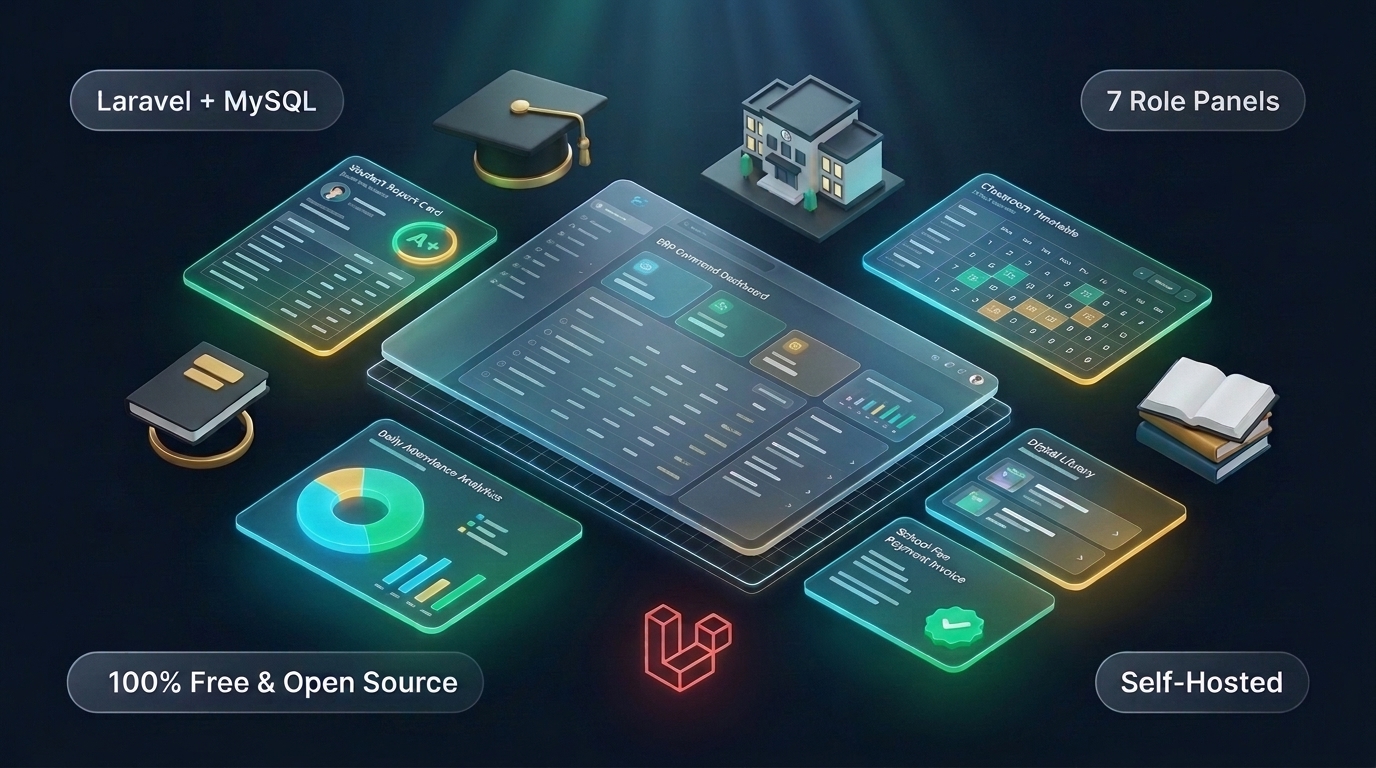
LAVSMS is a comprehensive, multi-tenant capable School Management System developed by 4jean. Written in clean, idiomatic Laravel (PHP) and paired with MySQL, it leverages the robust Model-View-Controller (MVC) architecture that makes Laravel the world's most trusted PHP web framework.
Laravel Framework
Eloquent ORM & BladeMySQL Database
Relational Integrity7 Role Panels
Granular RBACSelf-Hosted
Cloud or Local IntranetBecause LAVSMS is open source, educational institutions retain 100% control over their database, user accounts, and financial ledgers. There are no tracking scripts, no third-party advertisements, and no recurring seat licenses.
3 The 7 Dedicated User Role Portals in LAVSMS
A central triumph of LAVSMS is its role-based access control (RBAC). Rather than presenting a cluttered, one-size-fits-all interface, LAVSMS provides dedicated, sandboxed dashboards for 7 specific types of institutional stakeholders:
The ultimate administrative authority. Holds exclusive permission to permanently delete or restore system records, configure school global settings, manage academic sessions, and oversee audit logs.
Handles day-to-day academic infrastructure: creating classes, configuring sections (e.g., Grade 10-A, 10-B), assigning class teachers, admitting new students, managing subject curriculums, and scheduling term exams.
Enables teachers to take daily digital roll-call attendance, enter continuous assessment (CA) marks and exam scores, add personalized report card remarks, and upload study materials.
A clean personal student hub to check class timetables, view attendance percentages, download term exam marksheets, check homework assignments, and read school noticeboard updates.
Empowers parents with multi-child monitoring. Parents can toggle between their children to monitor attendance, track academic progress, view report cards, and review outstanding school fee balances.
Financial nerve center: creating fee categories (Tuition, Laboratory, Transport, Sports), generating student fee invoices, recording offline and online payments, issuing printable receipts, and tracking ledger dues.
Manages the physical school library: book cataloging by author/ISBN, issuing books to students or staff, tracking return due dates, and managing overdue penalty fees.
4 Deep-Dive into Core Academic & Administrative Modules
LAVSMS provides out-of-the-box features covering the complete student lifecycle from admission to graduation:
Automated Student Promotion Engine
The most tedious time for any school administration is academic year turnover. LAVSMS includes an automated promotion workflow:
- Bulk-promote entire cohorts from one grade to the next (e.g. Class 9 Section A → Class 10 Section A).
- Mark individual repeaters or non-promoted students without losing historical marks and attendance archives.
Examination, Marksheets & Grading Scales
Configure multi-term examinations (Mid-Term, Final, Quiz):
- Custom grading ranges (e.g., A+ = 90-100%, A = 80-89%, B = 70-79%) with automated GPA / cumulative percentage calculations.
- Beautiful, printable PDF marksheets complete with school logo, principal signature block, and teacher remarks.
Attendance Management & Analytics
Rapid chairside roll-call via mobile or tablet:
- One-click "Mark All Present" with quick toggles for Absent and Late students.
- Monthly summary reports highlighting chronic absenteeism and students falling below minimum examination attendance thresholds.
5 Feature Comparison: LAVSMS vs. Commercial School SaaS
How does open-source LAVSMS compare against expensive commercial school software?
| Feature / Metric | LAVSMS (Open Source) | Fedena / Commercial Cloud | PowerSchool / Enterprise |
|---|---|---|---|
| Annual Software Fees | $0 (100% Free Open Source) | $1,500–$6,000/year | $10,000–$30,000+/year |
| Student / Campus Limits | Unlimited Students & Staff | Strict Tiers (Charges per 100 students) | Contractual seat caps |
| Hosting & Data Control | Self-Hosted (Private VPS or School Server) | Vendor Cloud Locked | Vendor Cloud Locked |
| Full Source Code Access | Yes (PHP / Laravel Blade) | Closed Source | Closed Source |
| Dedicated Role Portals | 7 Built-In Specialized Panels | Available | Available |
| Offline Intranet Support | Yes (Runs on Local LAN Server) | Requires Continuous Internet | Requires Continuous Internet |
6 Developer Guide: How to Install & Deploy LAVSMS
Deploying LAVSMS on your local development machine or a production Ubuntu 22.04 / 24.04 LTS server is simple. Follow this step-by-step procedure:
1 Clone the Repository & Install Dependencies
# Clone the official repository
git clone https://github.com/4jean/lav_sms.git
cd lav_sms
# Install PHP packages via Composer
composer install
2 Configure Environment & Application Encryption Key
# Create .env from template
cp .env.example .env
# Generate Laravel application key
php artisan key:generate
Open .env in your editor and configure your MySQL database connection:
3 Run Migrations & Seed Default Roles
# Run migrations and seed default administrative accounts
php artisan migrate --seed
# Start local server
php artisan serve
🎉 Accessing the Web Dashboard:
Navigate to http://127.0.0.1:8000 in your browser. Log in with the default seeded administrator credentials to begin configuring your academic year and classes.
7 How VitableTech Helps Educational Institutions Deploy & Scale LAVSMS
While LAVSMS provides the open-source software foundation, educational boards and university directors often lack the dedicated DevOps, custom integration, and security infrastructure teams needed for production rollout.
VitableTech provides end-to-end enterprise deployment and customization services for educational institutes:
Private Cloud & Intranet Deployment
We configure production-hardened Linux servers on AWS, DigitalOcean, or your local school server room with Nginx, automated SSL, automated database backups, and DDoS protection.
WhatsApp & SMS Parent Alerts
We integrate official WhatsApp Business APIs and SMS gateways so parents automatically receive instant notifications when their child is marked absent or when term marksheets are published.
Payment Gateway Integration
Connect your school bank account directly to Razorpay, Stripe, PhonePe, or Paystack so parents can pay school fees online with automated receipt generation.
Custom Mobile Apps (Android & iOS)
We build branded Flutter or React Native mobile applications for students, teachers, and parents that connect seamlessly to your self-hosted LAVSMS backend API.
Ready to Modernize Your School with Open-Source ERP?
Save thousands of dollars every academic year while maintaining 100% control over your student data. Contact VitableTech for a consultation and institutional rollout plan.
8 Frequently Asked Questions (FAQ)
Can LAVSMS be used for colleges and universities?
Yes. While designed around primary and secondary school terminology (classes and sections), LAVSMS's underlying academic structure can easily be adapted for colleges, tuition centers, and coaching institutes by mapping classes to semesters or course batches.
Can teachers access the system from their smartphones?
Yes. The LAVSMS dashboard is fully responsive across mobile phones, tablets, and desktop workstations, allowing teachers to mark attendance and enter marks directly from classroom mobile devices.
How are student fee receipts generated?
Accountants can record fee payments in full or in installments. Once recorded, LAVSMS generates a formal, printable invoice receipt with transaction reference, student enrollment number, and itemized fee breakdown.
Where can I download the project source code?
You can directly clone or star the repository on GitHub at github.com/4jean/lav_sms.