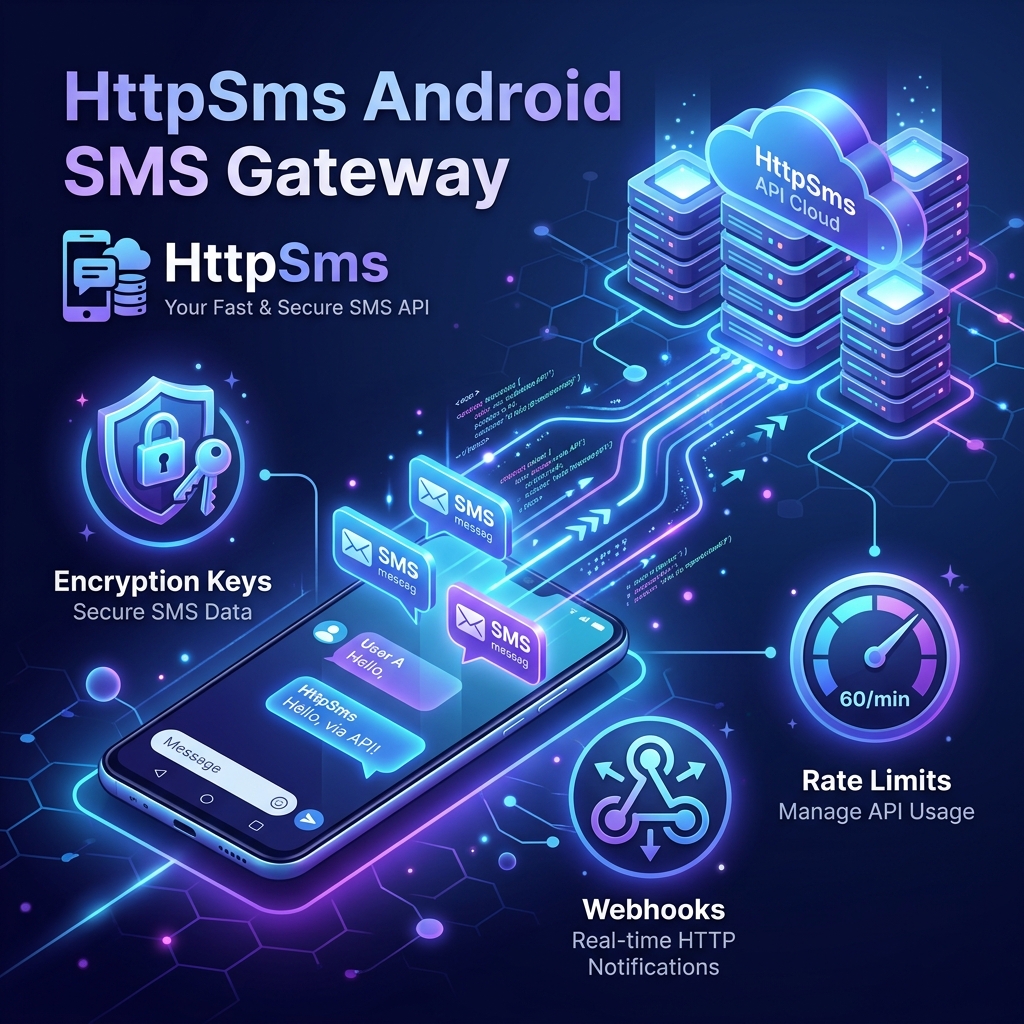
For modern web applications and mobile apps, text messages are essential. Whether you are dispatching transaction OTPs, order delivery status updates, account alerts, or local marketing campaigns, SMS remains the most direct way to reach users. However, integrating third-party messaging services like Twilio can get expensive quickly—especially in countries where purchasing virtual numbers is heavily restricted or where carrier tariffs make outbound messages prohibitive.
But what if you could use your own Android phone and SIM card as a programmable gateway? That is the exact problem solved by HttpSms, an open-source project by NdoleStudio. It allows developers to send and receive text messages programmatically via a simple, fully-featured HTTP REST API using a standard Android phone.
Unlike old-school SMS gateways that required connecting a phone directly to a local server via USB or setting up complex GSM modems, HttpSms utilizes cloud-based message queuing and push notifications. The request flow follows a robust, asynchronous sequence:
202 Accepted, ensuring your application flow is never blocked.Security is critical when handling user communications. HttpSms integrates AES-256 cryptographic encryption. The encryption key remains stored strictly on your local Android device. Payloads flowing through the cloud API server are encrypted, meaning the server operator cannot inspect the contents of your messages.
Need to build conversational interfaces or process customer replies? HttpSms supports webhook subscriptions. Whenever your Android phone receives an incoming text message, the app pushes the content back to the cloud API, which immediately forwards it to your configured server endpoint as a secure HTTP callback.
Mobile carriers often restrict or flag SIM cards that send thousands of text messages within seconds. To protect your phone number from carrier suspension, HttpSms features customizable rate limits (e.g., 3 messages per minute). The backend queue buffers any extra traffic, releasing messages smoothly at your specified pace.
For time-sensitive alerts like OTPs, delayed delivery is useless. You can attach a validity timeout to your API requests. If the Android phone loses internet access and cannot transmit the message within the timeout window, the system automatically flags the message as expired and notifies your webhook.
Integrating HttpSms into your application is extremely simple. Below is an example of how to dispatch a text message using the official Node.js client library:
const { HttpSms } = require('httpsms');

// Initialize client with API key from your settings dashboard
const client = new HttpSms({
  apiKey: 'YOUR_HTTPSMS_API_KEY'
});

// Dispatch the SMS
async function sendNotification() {
  try {
    const response = await client.messages.send({
      content: 'Your VitableTech order #1085 is confirmed!',
      from: '+18005550199', // Your linked Android phone number
      to: '+18005550100'   // Recipient number
    });

    console.log('Message scheduled. ID:', response.id);
  } catch (error) {
    console.error('Failed to send SMS:', error.message);
  }
}

sendNotification();While HttpSms offers a managed service at httpsms.com, the entire stack (Go/Fiber API backend and Nuxt/Vuetify dashboard) can be self-hosted. Here is the high-level roadmap to configure your instance using Docker:
Since the gateway depends on Firebase Cloud Messaging (FCM) for push signals, head over to the Firebase console, register a new Web App, download your configuration keys, and retrieve a Service Account JSON credentials file.
Configure a simple SMTP email delivery endpoint (like Mailgun, SendGrid, or SES) to manage platform transactional emails, sign-ups, and alert dispatches.
Create a local environment file mapping the key variables:
# Firebase credentials mapping
FIREBASE_API_KEY=your_fb_key
FIREBASE_PROJECT_ID=httpsms-docker
FIREBASE_CREDENTIALS={"type":"service_account",...}

# SMTP configuration
SMTP_HOST=smtp.mailgun.org
SMTP_PORT=587
SMTP_USERNAME=postmaster@mg.yourdomain.com
SMTP_PASSWORD=your_smtp_passwordClone the repository and run the Docker Compose pipeline to pull the Fiber Go server and CockroachDB nodes. Once the containers are running, download the official Android client APK, link it to your local server instance, and you are ready to send SMS programmatically!
Yes, but since messages are routed through a physical Android phone using a carrier SIM, you are subject to the carrier's daily send limits and terms of service. For low-to-medium transaction volumes, it is exceptionally cost-effective.
The HttpSms server queues requests. If your phone loses internet connection, the messages will remain buffered. You can configure a validity expiration window; if the phone doesn't connect before it expires, the message fails.
Yes, HttpSms features AES-256 end-to-end encryption (E2EE). Payloads are encrypted using a local key on the device, meaning only the Android phone and your application hold the keys to read content.
VitableTech specializes in self-hosted messaging gateways, Webhook pipelines, WhatsApp API integrations, and robust API development.
Discuss Your Project