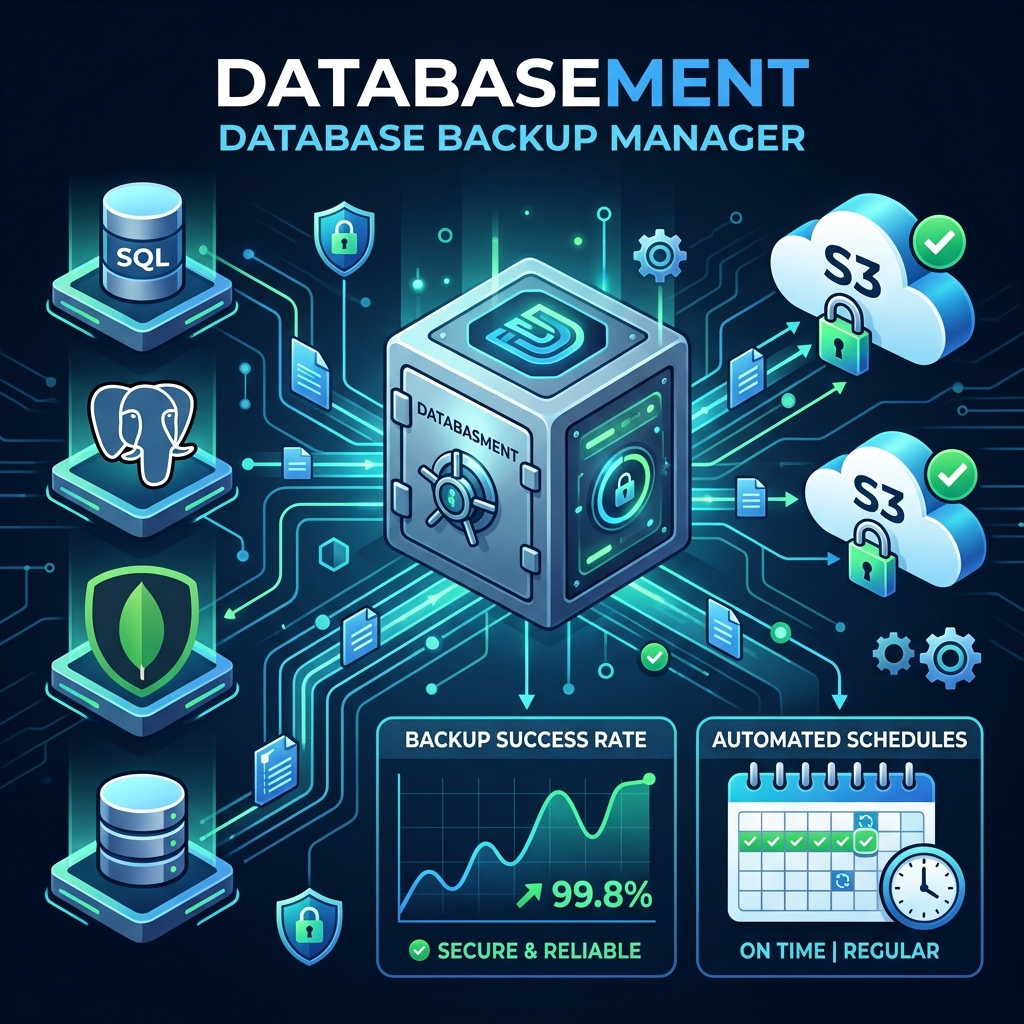
For any software application, database backups are like insurance policies. You might go months without needing them, but when a server crash, accidental truncation, corrupt storage, or cyberattack strikes, having a fresh backup can mean the difference between a minor blip and a catastrophic company shutdown.
Despite this critical importance, database backups are often poorly managed. System administrators write brittle cron jobs, store snapshots insecurely on local disks, or fail to test restorations regularly. When it comes to backing up multiple distinct systems—such as MySQL databases, PostgreSQL clusters, and MongoDB instances—configuring separate backup pipelines is a major administrative headache.
Enter Databasement, a self-hosted, open-source database backup manager developed by David Courtey. Built using Laravel and DaisyUI, it features an intuitive modern web dashboard that allows you to manage automated scheduling, verify retention rules, and restore databases across environments in just a few clicks.
Instead of setting up individual utilities (like pg_dump or mysqldump) manually, Databasement handles them natively. It currently supports:
Storing database backups on the same physical server hosting the live database is a single point of failure. Databasement enables you to easily ship snapshots to various secure storage targets:
Exposing database ports (like 5432 for Postgres or 3306 for MySQL) to the public internet is a massive security risk. Databasement includes native SSH tunnel support, allowing the backup manager to connect securely through a bastion server directly into your private VPC network.
Databasement comes with a REST API and a Model Context Protocol (MCP) server interface. This allows developers to integrate backup reports into CI/CD pipelines, trigger snapshots before manual software updates, and even let AI development assistants read database status logs to ensure high reliability.
Deploying Databasement is simple because the entire stack can be run as a single Docker container. Below is an example of a docker-compose.yml file setting up Databasement alongside a PostgreSQL database:
version: '3.8'

services:
  databasement:
    image: davidcrty/databasement:latest
    container_name: databasement
    ports:
      - "8080:80"
    environment:
      - APP_KEY=base64:GeneratedKeyHere...
      - DB_CONNECTION=sqlite
      - DB_DATABASE=/var/www/html/database/database.sqlite
    volumes:
      - databasement_data:/var/www/html/storage
      - databasement_db:/var/www/html/database
    restart: unless-stopped

  postgres-db:
    image: postgres:15
    container_name: production_db
    environment:
      - POSTGRES_USER=db_user
      - POSTGRES_PASSWORD=secure_db_pass
      - POSTGRES_DB=vitable_prod
    volumes:
      - pgdata:/var/lib/postgresql/data
    restart: unless-stopped

volumes:
  databasement_data:
  databasement_db:
  pgdata:
Once deployed, access the web panel at http://localhost:8080. You can easily add a connection to your PostgreSQL database, map an S3 bucket destination, and define a cron-expression schedule (like 0 0 * * * for daily midnight backups).
To ensure your backup strategy is resilient, VitableTech recommends incorporating these three guidelines:
Keep at least 3 copies of your data, stored on 2 different media types, with at least 1 backup copy stored off-site (like S3 cloud buckets). Databasement's multi-destination routing makes implementing this rule incredibly simple.
Unmanaged daily backups can quickly consume S3 budgets. Always specify retention rules, such as: Keep 7 daily backups, 4 weekly backups, and 12 monthly snapshots, automatically purging older files.
A backup is only as good as its ability to restore. Use Databasement to routinely copy a production snapshot into a staging database container to verify data integrity and validate your recovery runbooks.
Databasement's primary focus is on full logical snapshots (database dumps). For incremental binary backups, you should combine it with your database engine's native write-ahead log (WAL) archiving mechanisms.
Yes. Databasement's scheduler accepts standard Cron expressions (e.g., 0 2 * * * for daily execution at 2:00 AM), providing fine-grained control over scheduling.
Databasement has built-in SSH tunnel capability. You can configure it to route its connection securely through an SSH Bastion host, keeping your database ports completely shielded from the public internet.
VitableTech specializes in high-availability database architecture design, automated failover pipelines, cloud deployment, and secure backups.
Discuss with our DevOps Team